WordPress 7.0 is about to ship something that most site owners won’t notice immediately — but that will reshape the entire plugin ecosystem within a year.
It’s called the AI Client: a provider-agnostic PHP API, built into WordPress Core, that gives every plugin a standard way to talk to AI models. No custom integrations. No API key juggling. One interface, any provider.
This is the most significant infrastructure addition to WordPress since the REST API. And for anyone working on AI Visibility, it changes the playing field.
What Is the WordPress 7.0 AI Client?
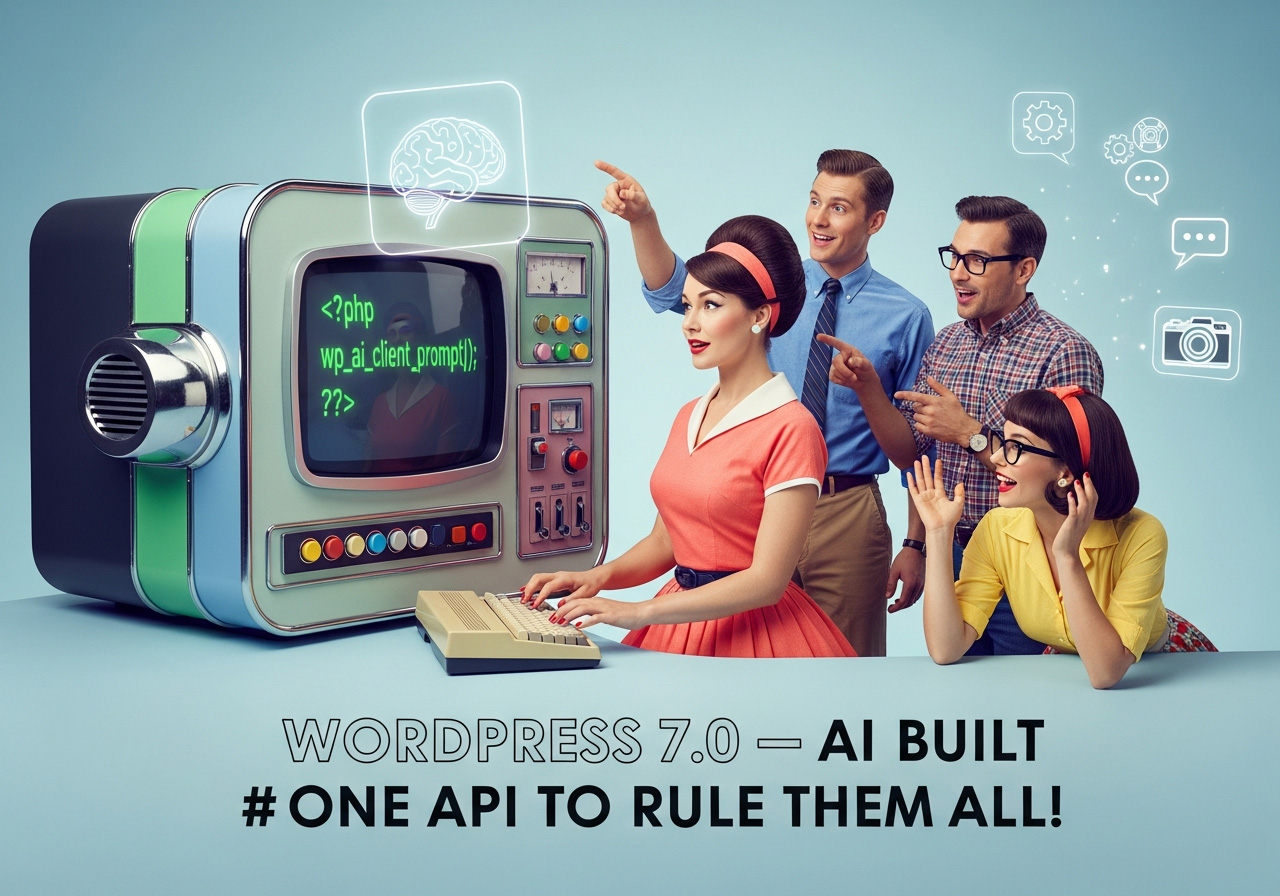
At its core, the AI Client is a PHP API with a single entry point: wp_ai_client_prompt(). Plugin developers call this function, describe what they need — text, images, speech, video — and WordPress handles the rest: routing the request to whichever AI provider the site owner has configured under Settings > Connectors.
The architecture is deliberately provider-agnostic. A site might run Claude, Gemini, GPT, or a self-hosted model. The plugin code doesn’t change. It uses feature detection to check what’s available (is_supported_for_text_generation(), is_supported_for_image_generation(), etc.) and model preferences to indicate which models it works best with — without requiring them.
For structured data, there’s built-in JSON Schema support. For metadata-rich responses, a full result object with token usage and provider info. Error handling follows WordPress conventions with WP_Error. It even integrates natively with the REST API.
In short: WordPress just gave every plugin developer a standardized, production-ready AI toolkit.
Why This Matters for AI Visibility
AI Visibility — the practice of making your content findable, readable, and citable by AI systems — has been a specialized concern until now. You needed dedicated plugins, specific configurations, and a clear understanding of what AI crawlers and language models actually need.
The AI Client doesn’t replace that work. But it creates the infrastructure layer that makes AI-powered features a natural part of the WordPress ecosystem. Consider what becomes possible:
- Content optimization plugins can use the AI Client to analyze readability for AI systems — not just humans.
- SEO plugins can leverage AI to generate structured data, validate Schema markup, or identify content gaps.
- E-commerce plugins can build AI-powered product descriptions that are both human-readable and machine-parseable.
- Analytics plugins can use AI to interpret bot traffic patterns and surface actionable insights.
When every plugin can access AI capabilities through a single, standardized API, the entire ecosystem moves faster. AI Visibility becomes a default feature, not an afterthought.
Where citelayer® Fits
citelayer® was built for exactly this moment — though we didn’t know it would arrive quite like this.
Our plugin already handles the foundational layers of AI Visibility: llms.txt generation, Schema.org markup injection, AI bot tracking and analytics, content-signal headers, AI Readiness Scoring, and emerging protocols like UCP and WebMCP. These layers ensure your content is discoverable, structured, and interactive for AI systems.
The WordPress 7.0 AI Client opens new possibilities on top of that foundation. Imagine automated content citability analysis, AI-powered Schema validation, intelligent blind spot detection that doesn’t just flag problems but suggests fixes — all running through a standardized API that respects the site owner’s choice of provider.
We’re exploring how the AI Client can enhance citelayer’s existing capabilities. Not by adding AI for its own sake, but where it genuinely improves the accuracy and depth of AI Visibility analysis.
What won’t change: citelayer® remains privacy-first, WordPress-native, and focused on the structural layers that make AI Visibility work. The AI Client is a new tool in the toolbox — not a replacement for the engineering underneath.
What Site Owners Should Do Now
- Understand the shift. WordPress 7.0 doesn’t make your site AI-visible by itself. It gives plugins the tools to help you get there. The foundational work — structured data, llms.txt, content signals — still needs to happen.
- Get your AI Visibility baseline. If you haven’t already, install citelayer® and run the AI Readiness Scanner. Know your score before the ecosystem evolves around you.
- Watch the Connectors screen. When WordPress 7.0 lands, configure at least one AI provider under Settings > Connectors. This unlocks AI features across every compatible plugin.
- Stay informed. The original announcement on the WordPress Make Blog has the full technical details.
The Bigger Picture
WordPress powers over 40% of the web. When WordPress ships native AI infrastructure, it doesn’t just affect the WordPress ecosystem — it signals where the web is heading.
AI Visibility is no longer optional. It’s becoming table stakes. And the tools to achieve it are now being built into the platform itself.
For the full developer deep-dive on the AI Client API — code examples, architectural analysis, and what plugin developers need to know — read Saskia Teichmann’s technical analysis on isla-stud.io.
citelayer® is a WordPress plugin that makes your content AI-visible. Learn more → · Documentation →