WordPress’s AI Client gives plugin developers a shared interface for requesting model output. That is a different job from letting an outside agent read your site or call its tools.
The WordPress 7.0 AI Client
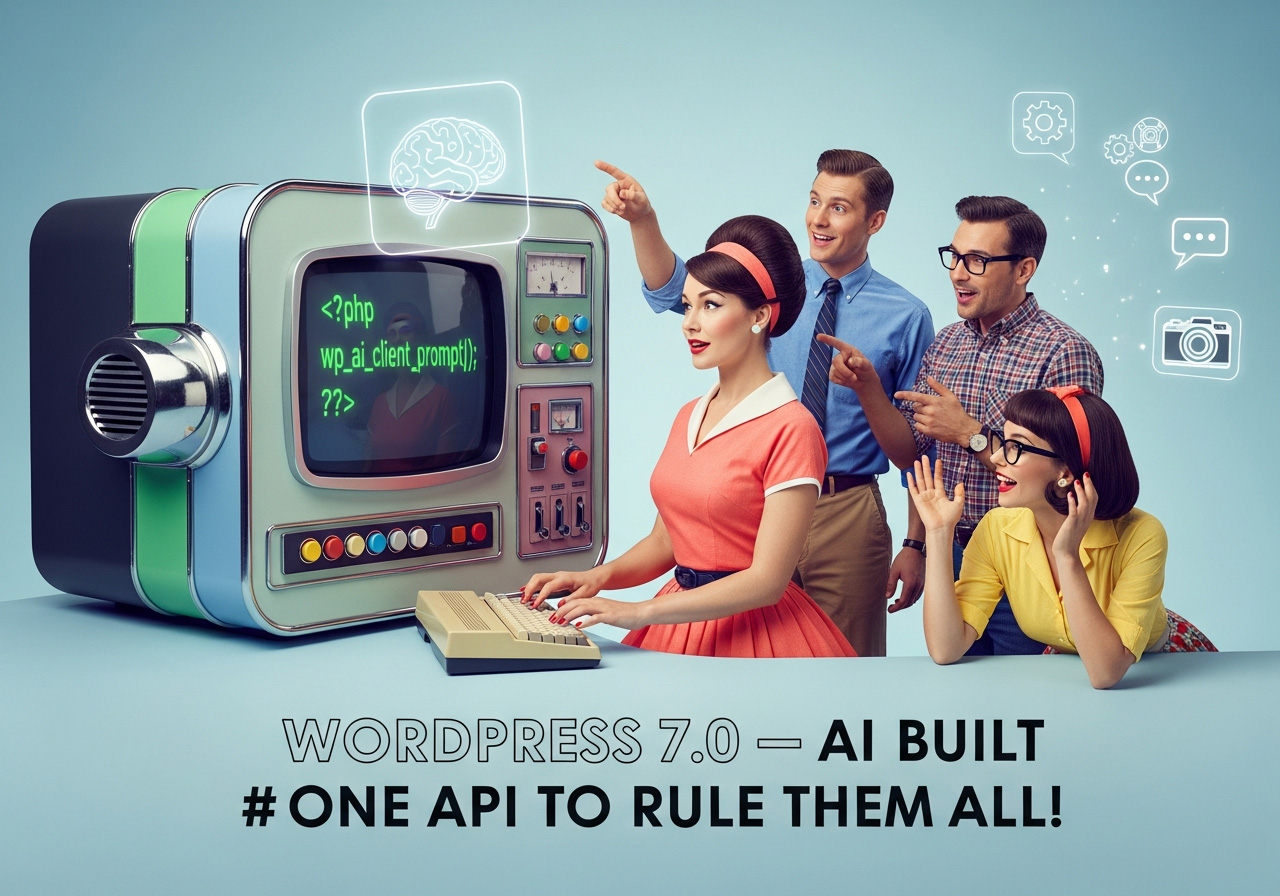
The official Core introduction describes a provider-agnostic PHP API with wp_ai_client_prompt() as the recommended entry point. Providers are supplied separately, and site owners configure the relevant connections. Installing WordPress alone does not configure every provider or make every plugin AI-enabled.
AI Client versus Abilities versus MCP
| Surface | Direction and purpose |
|---|---|
| AI Client | A plugin requests output from a configured model provider. |
| WordPress Abilities API | A plugin registers actions or data that authorized callers can use. |
| MCP Adapter | Connects supported WordPress abilities to an MCP client through a configured transport. |
| citelayer context JSON | Describes site/shop context and links; it is not itself an MCP server. |
What citelayer® Free needs today
Free 1.13.5 generates supported content formats, diagnoses responses and records local matching bot/referral signals without requiring an external model provider. Its seven read and two opt-in write abilities require WordPress 6.9+; MCP clients also need the separate adapter and administrative permission.
A practical decision for site owners
- Do not add a provider account solely because you installed citelayer® Free.
- First inspect the plugin’s local output and run the readiness checks.
- If you want a connected client to read that data, configure the Abilities/MCP path and leave Read-only mode on.
- For any separate AI generation feature, check the plugin’s provider requirements and data flow before enabling it.
Follow the Abilities connection guide.
Primary source
Introducing the AI Client in WordPress 7.0, WordPress Core. This article was reviewed on 6 October 2026; future citelayer integrations are not presented as shipped features.